Matched to your own units
Each unit is matched by its code to one of yours, and stopped if it is not built from a scheme or if Winner drew it at another size. Your unit is what is cut. Winner's fronts are compared and any difference is a note.
Cutting optimisation · Cabinet creation · Quoting
Web Elements turns a kitchen design into a priced quotation, a rip-first cutting plan, labelled panels and a production job, all from the same cabinet rules. Nothing is typed twice.
The Free plan cuts 10 lists in any 30 days. No card needed to look around.
One chain
A design becomes a quotation. An accepted quotation becomes a job. A job becomes a cutting plan, labels and a stock order. Nobody re-keys a number on the way.
Import a Winner design, or build units from your own catalogue.
Priced lines in groups, printed with a summary.
One click makes the job and freezes its payment terms.
A snapshot of what the job is made of, checked by gates.
Rip-first plans with every cut numbered.
Labels in the order the parts leave the saw.
Reserve, issue and reorder from a live ledger.
Loading, delivery and installation. On the way.
01 — Cabinet creation
Teach Web Elements how your workshop builds: a frame, the components it is made of and the rules for every board. It sizes a whole range from that. Change a rule once and it tells you how many units it touches before anything moves.
| Board | Rule | Cut size |
|---|
Illustrative rules for a 720 high, 560 deep floor unit in 16 mm board. Every company sets its own. Boards are rounded up to the next whole millimetre, fronts down.
02 — Cutting optimiser
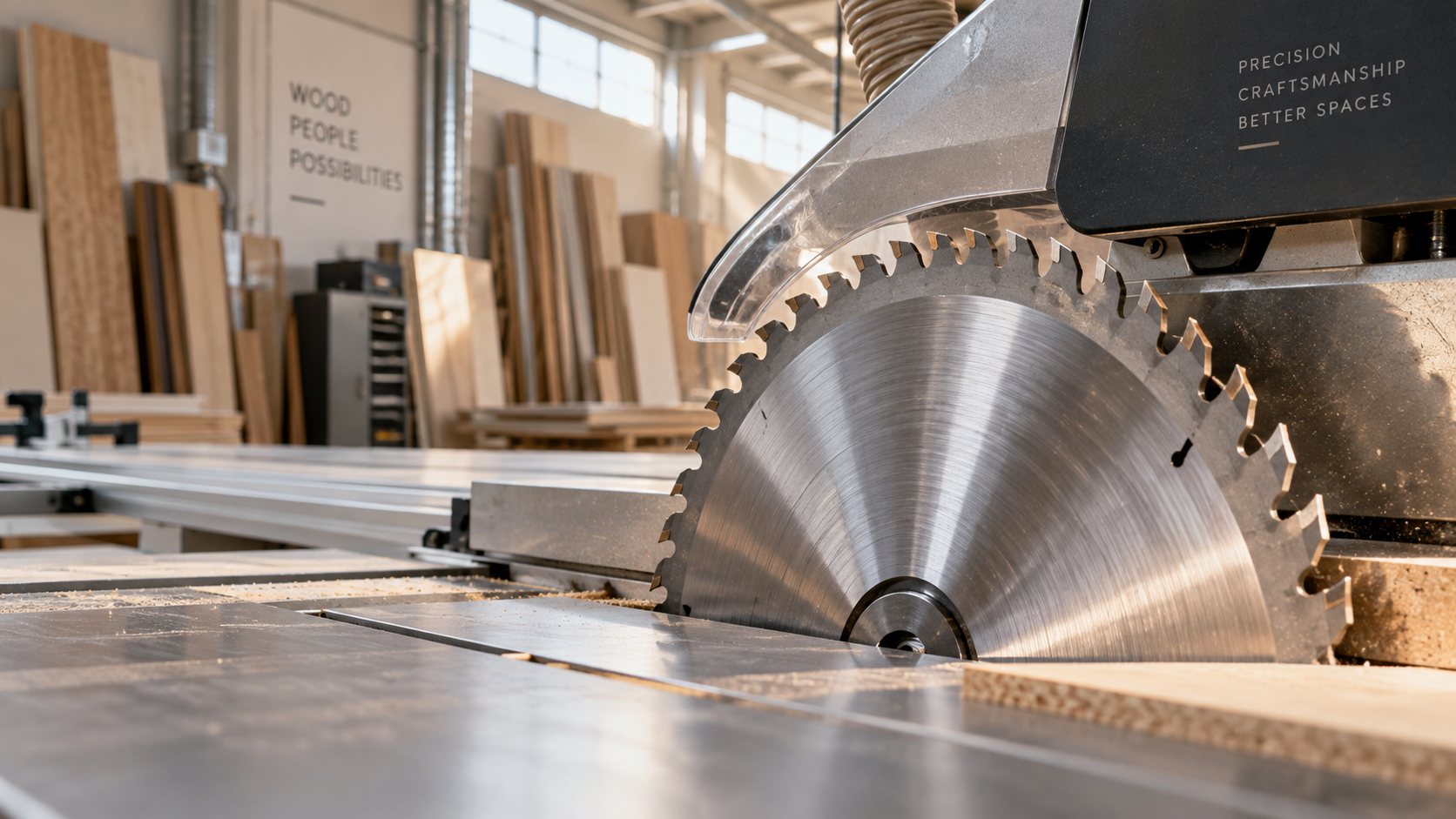
Boards are cut rip first, the way a sliding-table saw is used. Every first cut runs the full length of the board. Each strip is cross-cut into pieces, and a piece is ripped once more where narrower parts lie side by side. Three stages, and no more.
12.9% of the boards bought were waste, against 19.6% for the earlier optimiser. The benchmark is 11 712 parts, taken from real cutting lists and from kitchens composed of real units. It is our own measurement, not an industry standard, and the same list always gives the same plan.
03 — Quoting and Winner import
Winner is where a kitchen is designed. Web Elements is where it is priced, made and called by your own codes. Drop the export in, check what it found, confirm. The quotation and its cutting list are made in one go.
| Position | Quantity | Item Code | Width | Height | Depth | ItemGroup Name |
|---|---|---|---|---|---|---|
| 1.0 | 3 | F600 | 600 | 720 | 560 | Kitchen |
| 1.1 | 3 | 718X596 | 596 | 718 | Unit fronts | |
| 2.0 | 1 | F6004D | 600 | 720 | 560 | Kitchen |
| 3.0 | 2 | MW800 | 800 | 720 | 300 | Kitchen |
| 4.0 | 1 | FC900 | 900 | 720 | 900 | Kitchen |
| 9.0 | 1 | MT/SP | 600 | 2120 | 16 | Covering panels |
Columns are found by their headings, in any order, with any separator. Whatever else the export holds is passed over.
Sample figures, to show the layout.
Each unit is matched by its code to one of yours, and stopped if it is not built from a scheme or if Winner drew it at another size. Your unit is what is cut. Winner's fronts are compared and any difference is a note.
A customer you do not have yet is added as a client when you confirm. Anything the file leaves open, the client, the model, the board the fronts are cut from, is chosen on the review page, not guessed.
Kitchen, Bedroom cupboards, Tiling, Plumbing, or groups of your own. Side panels, kick plates and other work stand on lines of their own, in the right section, and the printout ends on a summary of them all.
Prices today are typed per unit, or carried across from Winner's amounts. Costing a quotation from every board, front and fitting of a unit is on the way (see what is next).
04 — Production
When the client agrees, one click makes the production job and freezes its payment terms. Each step towards the saw is guarded by gates you set to Off, Warn or Block.
A Manager can override a Block with a reason of ten characters. It is kept, logged and flagged red on the board. The Fact gates cannot be overridden: a job with no board has nothing to cut.
Terms are typed on the quotation: a share or a fixed amount, due on acceptance, before production, before delivery. A payment is taken against them in order, with nobody allocating it. A wrong one is voided with a reason, never deleted. Proforma invoices and receipts print from the grids.
Eight stages, from ordering materials to installation, each with the days it takes and whether you use it. Delivery stands on the agreed date, each stage ends the working day before the next, and one day of slack is kept. A stage that runs late asks why.
A store list to tick and sign, a drilling list that says how many sides of how many panels per board, a progress plan and the bill of materials. One layout, printed or saved as a PDF from the job's page.
05 — Stock and purchasing
Stock is a ledger. Every receipt, issue, count and return is a signed row, and what is on hand is worked out from it, never typed over. A job reserves its boards when it is released, never when it is only quoted.
Sample figures. The shortfall is the reserved and planned needs and the level you keep, less the shelf and what is on order.
06 — Labels and printouts
A label is printed for every part of the cutting plan, to stick on as it comes off the saw. A panel cut six times gives six labels. They come strip by strip, so the stack on the bench follows the plan on the wall.
07 — Built to be trusted
A workshop runs on numbers that stay put. These are the rules the whole system is built around.
A component is shared by many units. Before a change is saved it says 12 units are built with this component and will be updated.
You confirm, and the component and its units change together, or not at all.
Once a quotation is out, only a draft can be changed. Changing a board or a component later never reprices it silently, and the payment terms are frozen the day it is accepted.
What a job is made of is frozen when it is prepared. Refresh it from the catalogue until cutting starts. After that, a change is a new job and never an unlock.
A payment is voided with a reason and entered again. A stock movement is taken back by a row of its own. Clients, materials and components are switched off, never deleted.
Boards, edging, groove depth, front gaps, hinge bands, charges and markups live on Workshop Defaults. Change one and a bar shows how many units are older than the change, then updates them all in one go.
Every screen and every query is scoped to your company. Admin, Manager, Estimator and Operator decide who may accept, hold, cancel or void, and the Operator never sees the money.
08 — Plans
Upgrading keeps everything. Your data carries over and the higher plan only unlocks more.
For a project at home, or a first look at the optimiser.
1 seat
Start freeFor a small workshop that quotes elsewhere and cuts here.
1 seat · R5 489 a year
Talk to usEverything in Free, plus
For a workshop that quotes and builds its own units.
3 seats · R10 989 a year
Talk to usEverything in Standard, plus
For full manufacturing, from a Winner design to a finished job.
10 seats · R21 989 a year
Talk to usEverything in Professional, plus
Prices are in South African Rand, before VAT. A year is eleven months of the monthly price. Seats are the people who can sign in.
What is next
Everything above works today. These are planned and not yet built, so you can see where the system is going before you commit to it.
Scan a unit's QR code to mark it built, checklists at each stage, and drilling runs against the drilling list.
A loading list, a delivery note signed by the client and by whoever offloads, short and damaged goods with photos, snags and handover.
Price a unit from its boards, edging, sections, fronts and hardware, so a quotation is priced from your own rules.
Late jobs by cause, a calendar of stages, notifications and an export to your accounts.
Keep leftovers above a size on the shelf and cut from them first.
Match Winner's hardware and front codes to your own, so those lines can be ordered as well.
Questions
No. Type a cutting list, import one from Excel or CSV, or build and quote units from your own catalogue. Winner is one way in, for workshops that design their kitchens in it.
Which units, how many and how each stands: its size, hinge side, direction and veneering, and whether it was rebuilt. What each unit is made of, what it costs and what it is called are your own. Winner's descriptions and amounts are not needed.
You set the saw on Workshop Defaults: rip first or least waste, which edge the first strip comes off, the blade, the trim, the narrowest piece that can fall free, the longest rip and how far the rip fence reaches. A plan that cannot be cut is refused with the setting to change. It is never put in front of the workshop.
A quotation is frozen once it is quoted. Before a component is saved, it tells you how many units are built with it. A scheme, an assembly, a fitting set and Workshop Defaults each show how many units are older than their last change, and update them when you say so.
There are four roles today: Admin, Manager, Estimator and Operator. Managers and Admins hold, cancel and void, and the Operator sees no money. Roles you define yourself are planned for Professional and up.
Yes. Free cuts 10 lists in any 30 days, with a diagram for every sheet, for one user. Its printouts carry Web Elements wording. Upgrading keeps everything you have made.
It is our own benchmark: 134 cutting jobs and 11 712 parts, from real cutting lists and from kitchens composed of real units, measured against our earlier optimiser. Your waste depends on your parts and your saw. Try your own list on the Free plan and see.
Type a cutting list, press Optimise and watch the sheets fill. When you are ready for quotations and production, it is the same system.